Category: Gadgets & Toys

MeetingBuster and the Christmas Call Diary

There was a period of a few years when I played quite extensively with VOIP, which for the uninitiated, stands for Voice-Over-Internet-Protocols, sometimes called 'IP Telephony'. This isn't about Zoom and Skype and FaceTime, but about traditional phone calls: the things your parents used to make (and maybe still do), often using devices attached to the wall with wires!
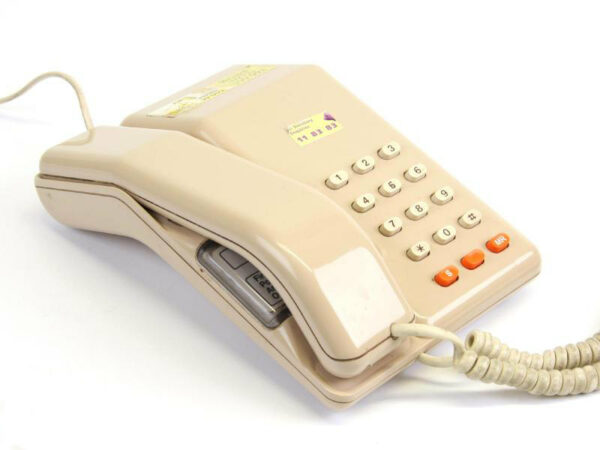
It all seems very obvious now, but there was a point between about 20 and 10 years ago when the typical office phone changed from being an audio device plugged into a landline-style connection with analogue voltages talking to a phone exchange, to being something digital that plugged into the ethernet and had an IP address. Telephone calls, hitherto controlled by large national monopolies with expensive proprietary equipment and hideously complex signalling protocols, started to become something ordinary users could manage with their own software, even Open Source software.
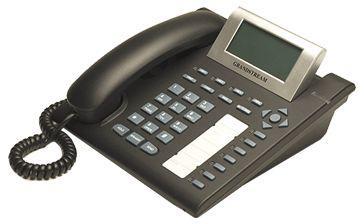
Companies that had previously paid vast sums of money to buy or lease a PBX (the 'Private Branch Exchange' that gave you internal phone numbers and routed calls to and from external numbers), could now just install software on a cheap PC and route calls to phone handsets over the local network. If you also routed calls over the wider internet, limitations of most broadband connections meant that the quality and reliability left something to be desired, but, as one perceptive observer commented at the time, "The great thing about mobile networks is that they have lowered people's expectations of telephony to the point where VOIP is a viable solution."

Phone Phun

And what you could do in an office, you could also do at home, just for fun. I loved this stuff, because in my youth telephony had embodied the quintessence of big faceless corporations: you paid them, they told you what you could and couldn't do with the socket in your wall, you lived with the one phone number they decided to give you, and could only plug in the equipment that they approved. Any variations on this theme rapidly became very expensive.

With VOIP, however, you could now get multiple phone numbers in your own house and configure how they were handled yourself. I had one number that was registered in Seattle (because I was doing lots of work there), but it rang a phone in my home office in Cambridge -- the same one that also had one Cambridge number and one London one -- with the calls routed halfway around the world over the internet, basically for free. All of a sudden, you could do things that the Post Office, BT, AT&T, or whoever, would never have let you do in the past. It was fun!

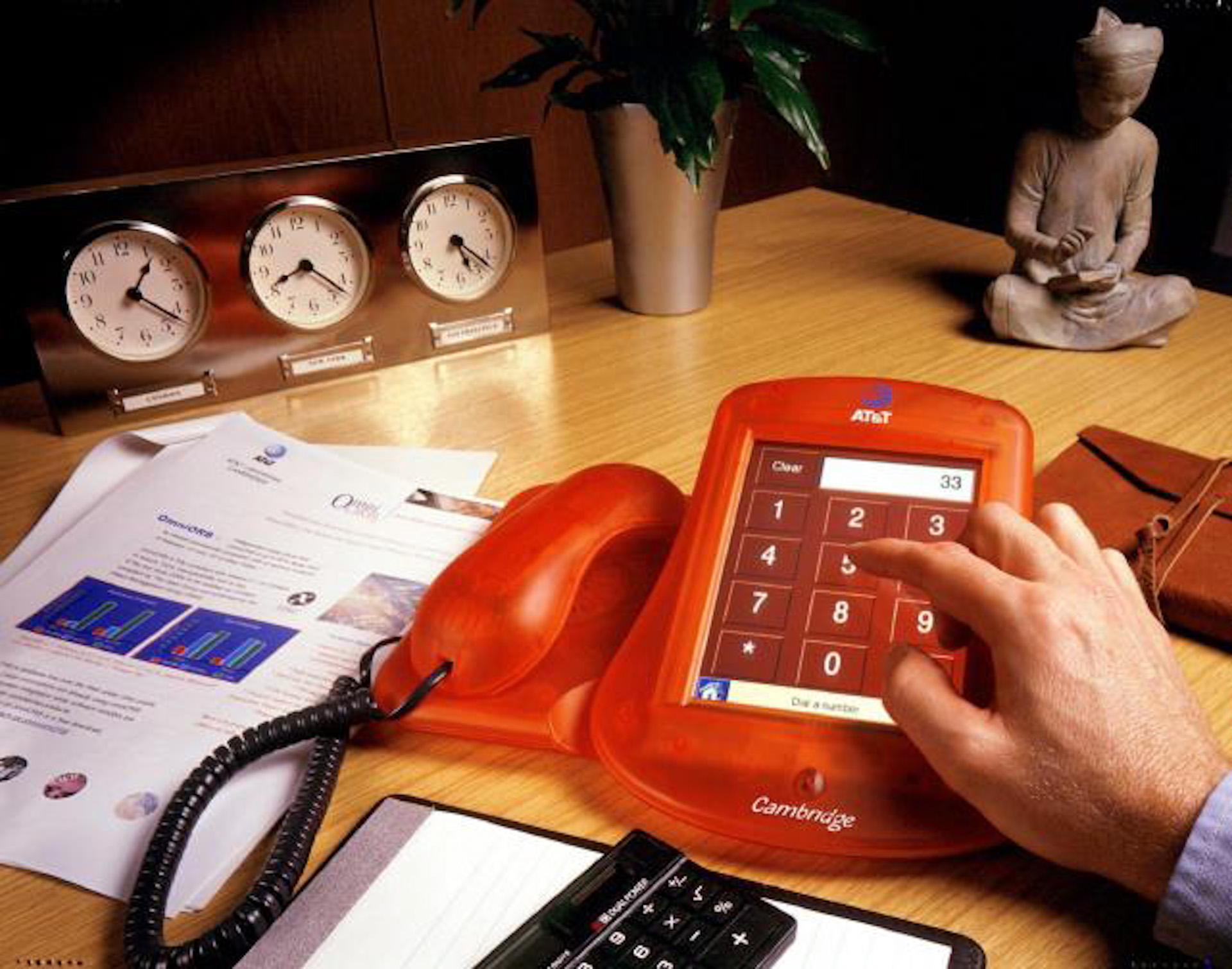
Part of my interest came from the clear parallels between how phone calls were handled in this new world, and the way HTTP requests were handled on the web. I first got involved in telephony with the AT&T Broadband Phone project back in 1999, when my friends and I had to write our own telephony stack based on the new SIP protocol, and build our own custom hardware to connect our SIP network to real-world phone lines.
But, as with the early days of the web, Open Source servers soon emerged so you didn't have to write your own! The Asterisk and, a little later, FreeSwitch packages were very much analogous to Apache and Nginx in the web world. Calls came in, and you decided what to do with them using a set of configuration rules similar to those that might determine what page or image to return for a particular URL. Voice prompts and keypad button presses were a bit like forms and submit buttons on web pages... and so on.

Anyway, there were a couple of quick hacks that I put together at the time which turned out to be rather useful, so if you're still with me after the history lesson above, I'll describe them.

The Christmas Call Diary

We were a young startup company, with about half-a-dozen employees, operating primarily out of a garden shed in Cambridge. But we had sold products to real customers who expected a decent level of support. As Christmas approached, we realised that the office was going to be empty for about a fortnight, and started to wonder what would happen if anybody had technical support issues and needed urgent help.

So I set up a shared Google calendar, and asked everyone to volunteer to be available for particular periods of time over the holiday, just in case any customers called; a possibility that was, we hoped, pretty unlikely, but it would improve our reputation no end if somebody did answer. All we had to do was put entries in the calendar that contained our mobile or home number during times when we didn't mind being disturbed. People valiantly signed up.

We were running a VOIP exchange on an old Dell PC, and I wrote a script to handle incoming calls, which worked like this:

  • When a call comes in, ring all the phones in the office for a short while.
  • If nobody picks up, then look at the special Google Calendar to see if there's a current entry, and if its contents look like a phone number. If so, then divert the call to that number.
  • If it isn't answered after a short while, send the caller to our voicemail system, and email the resulting message to all of us.

In the end, I don't think anybody did call, but the script worked as intended, and allowed us to have a more worry-free Christmas break, which was perhaps its most important achievement!

MeetingBuster

Back in 2006, I registered the domain MeetingBuster.com, and thanks to the wonderful Internet Archive, I can see once again what the front page looked like, which neatly explains its purpose (click if you need a larger image):

A later update allowed you to call MeetingBuster and press a number key within 10 seconds, and your callback would then happen that many tens of minutes later, so pressing '3' just before going into a meeting would give you an option to escape from it after half an hour. (Remember this was all well before the iPhone was released, so all such interactions had to be based on DTMF tones.)

Anyway, Meetingbuster was just for fun, and there are probably better ways to escape from today's virtual meetings. But if/when we go back to face-to-face meetings again, and you need an excuse to say, "Oh, I'm sorry, I really ought to answer that; do you mind?", then let me know and perhaps I can revive it!
Eye in the Sky

I had owned my little drone for a while before I discovered one of its cleverer tricks: taking 360 panoramic views. You just put it in the right mode and press the button, and it turns round on the spot taking 26 photos at various pitch angles, then stitches them together. In some ways I find these interactive views more compelling than videos.

This was one of my first: Houghton Mill, on the River Great Ouse. (If you just see a blank space below, I'm afraid you may need to try another browser, and if you get these posts by email, you'll probably have to view it on the web.)

Or here's a view of the University's Computer Lab, where I used to work back in the days when we had physical offices. The big building site opposite is the Physics Department's new Cavendish Lab (the third of that name), which is also known as the Ray Dolby Centre, since that little button you used to press on your cassette deck is paying for a lot of this:

People who are interested in the West Cambridge Site may want to look at other shots from the same evening. And people who remember when cassette decks started having Dolby C as well as Dolby B may be inspired by the title of this post to hum tunes from the Alan Parsons Project.

There may be more of these to come.

Location, location, revisited

Previously on Status-Q...

Regular readers may remember that a couple of months ago, I lost my glasses and found them again. If you missed that particularly gripping episode, turn back to Location, location, location (or, 'How technology saved me a few hundred quid yesterday') and then you'll understand the background here.

After posting it, my friend Phil Endecott got in touch with me. "Am I to understand", he said, "that you would find it useful if you had a map app that could show both the locations of your photos and your current location at the same time? If so, I may have just what you need...."

And he did indeed. Phil, you see, is the author of UK Map, an iOS app that I've had for as long as I can remember, and one I should talk about more, because I use it all the time, especially when looking for new dog-walking routes. Yes, I may use Google Maps to find out how long it'll take me to drive there, and Streetview to check that there's likely to be a parking spot when I get there, but once I've laced up my walking boots, then I generally switch to UK Map. It combines free or paid-for Ordnance Survey maps with footpaths from Open Street Map, and, certainly round here, it's a much better guide than almost anything else as to where you can actually go for a walk.

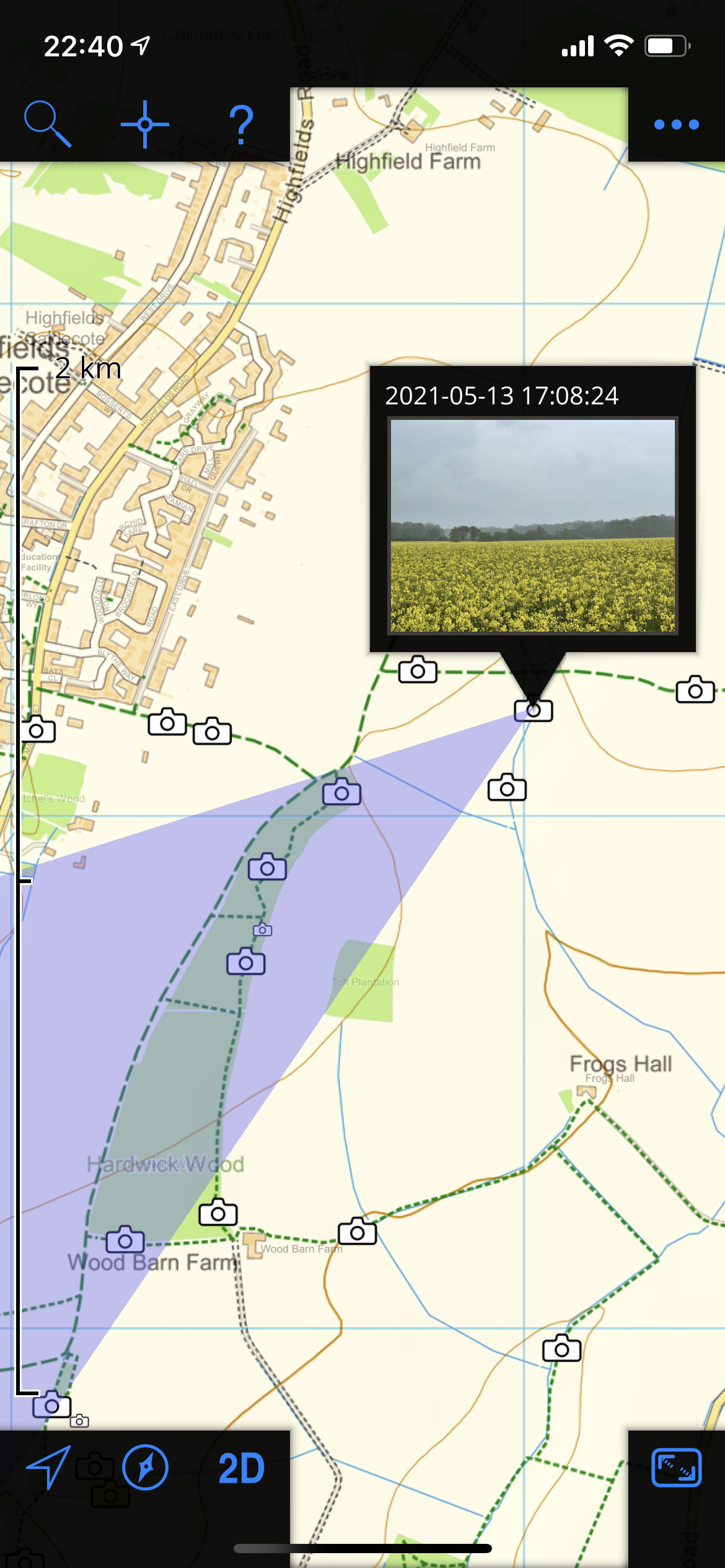
New features get added periodically and, like much of the cool stuff, are often buried deep in some menu below some unassuming icon in the corner, making them very easy to miss, so you really do want to go to the home page and read it carefully to see what the app can do, and then to the help button in the app to see how to do it. I don't check these often enough, but when Phil's message prompted me, I had another explore and found that, yes, it can show your photos on your maps. This is the site of my aforementioned adventure:

and if I had been there at the time of writing this, the little blue dot would indeed have shown me exactly what I needed to know. (The violet-coloured triangle there, by the way, is showing the rough direction in which the phone was pointing when it took the picture, and therefore shows what you may be able to see in it. Neat, eh?)

Anyway, I've mentioned UK Map before, but I've used it for so many years that I take it for granted. I do think that if you put in a little time learning what it can do, you'll find it repays its very modest purchase price. Actually, it'll repay that even if, like me, you really only scratch the surface.

P.S. If you happen to be anywhere other than the UK, this will be of limited use, but if you're in North America, Phil is also the author of the highly-rated Topo Maps

Location, location, location (or, 'How technology saved me a few hundred quid yesterday')

Yesterday, I lost my glasses. This is perfectly normal, and happens on a regular basis. One of my roles in life is to provide the opticians of South Cambridgeshire with a healthy and predictable revenue stream. What was much less typical about yesterday, though, was that I found them again!

Despite some of my recent posts, this was nothing to do with Apple AirTags, because I don't currently have those attached to my spectacles. (I thought I looked rather dashing with them dangling about the ears, and many of the chaps at the Drones agreed, but I noticed that Jeeves had become particularly frosty recently, and found himself unable to extract me from a dashed sticky situation involving Madeline Bassett... but I digress. No AirTags currently adorn your correspondent's brow.)

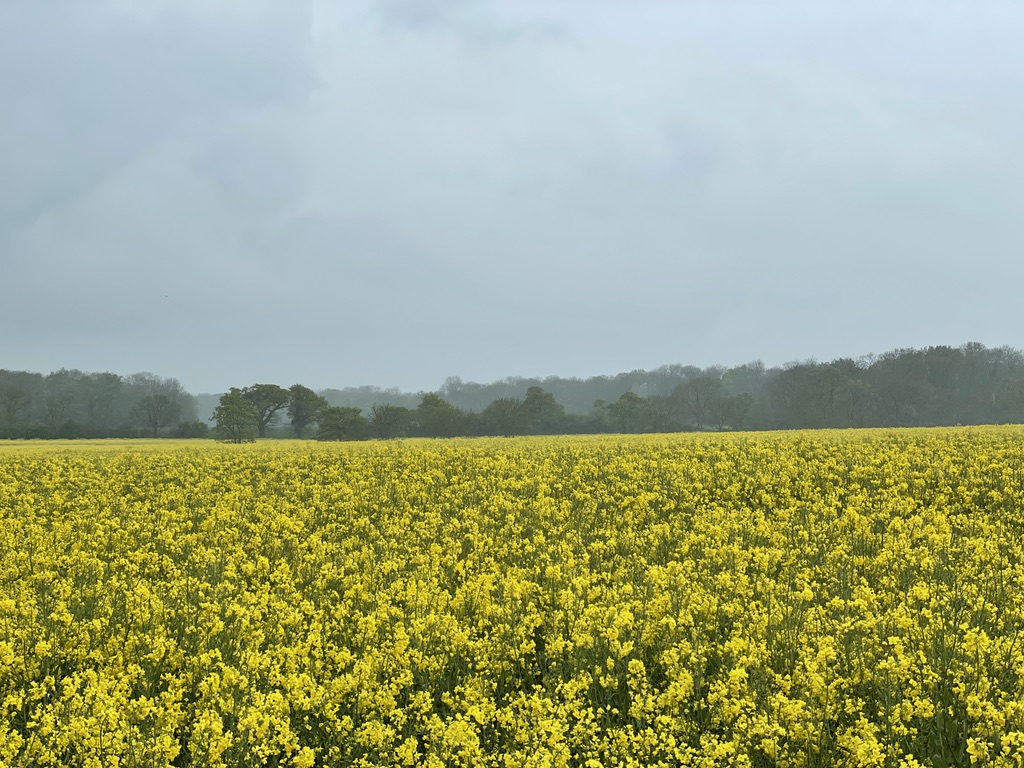
Anyway, yesterday afternoon, I was out walking Tilly, in a gentle rain, and I decided to take a photo of the view across the field in the mist. "This shot would be easier to compose", I thought, "if I were wearing my glasses", and I reached into the pocket of my coat... to discover that they weren't there.

"Bother!", said I, contemplating the last couple of miles that we had walked, the branches I had ducked under and the ditches I had leaped, any of which might be clues to their likely location. But then I remembered I'd received a phone call just a few hundred meters back, and had been able to read the name of the caller with ease, so I must have been wearing them then. I started to retrace my steps, gazing without much hope at the long wet grass, and thinking how easy this would have been if it weren't for Jeeves.

After a couple of further passes over the relevant stretch, in the fading light, with a bemused (but useless) scent-hound trotting behind, I was about to give up hope, when I suddenly remembered: Hang on a minute! I had taken one other photo! It was after the call, but before I had noticed the glasses were missing. Surely I must have been wearing them then, and removed them afterwards because of the raindrops gathering on them. I bet I dropped the glasses at the location of the photo!

The problem was that it hadn't really been a great photo; not many distinguishing features in the view. I was along one side of a big field, on a wide path, and I had paid little attention to my surroundings. Looking back at it now, I realise that I could probably have got those two rows of distant trees in the same relative alignment and located my former position quite accurately, but I was trying to view it on a small and decidedly damp screen... without my glasses. I was having enough fun just trying to tap on the right photo.

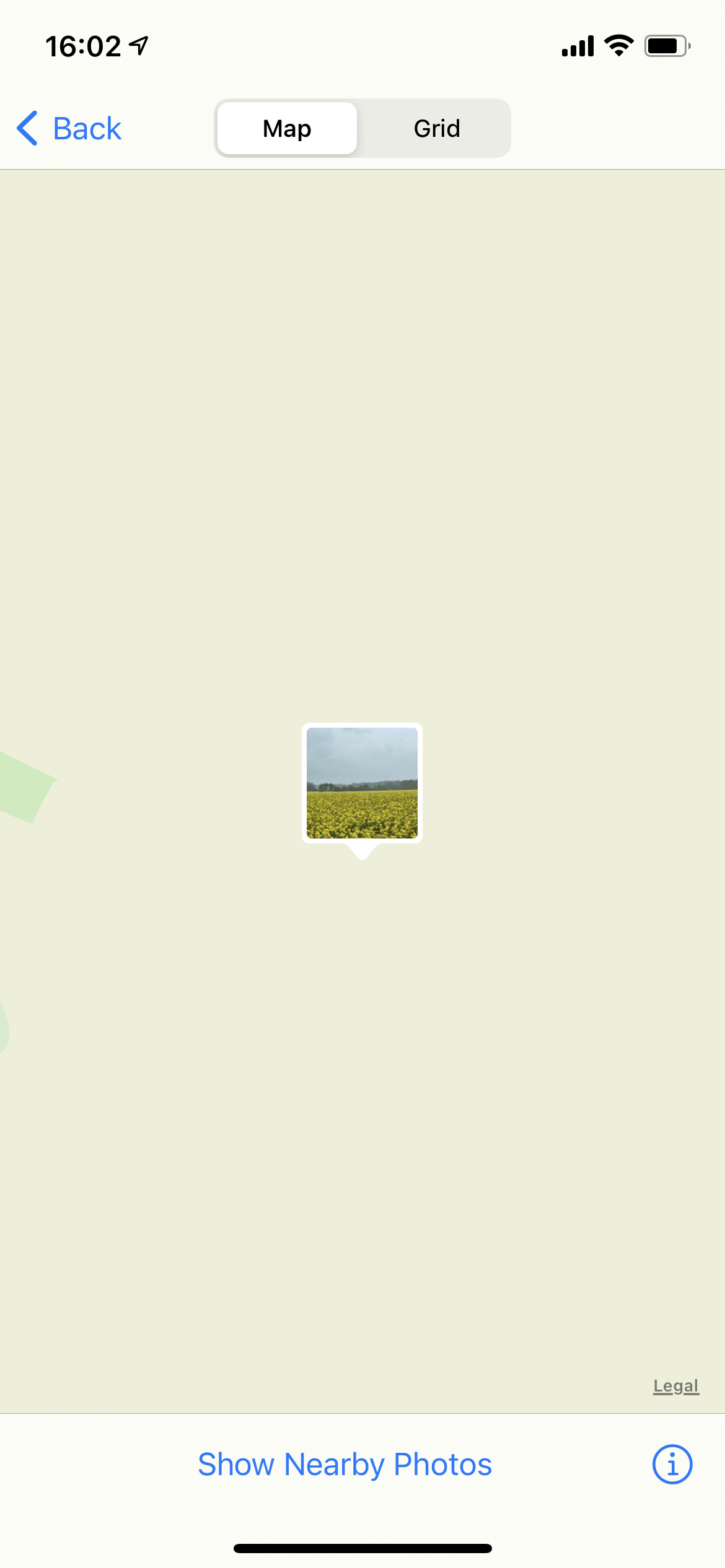
However, of course, all my photos are geotagged. I spent a while trying to work out how to see its location in the Photos app: not easy, even when you can read the text and make out the icons. (Hint: you need to swipe up from the bottom.) But eventually I found it. Not entirely helpful for precise location.

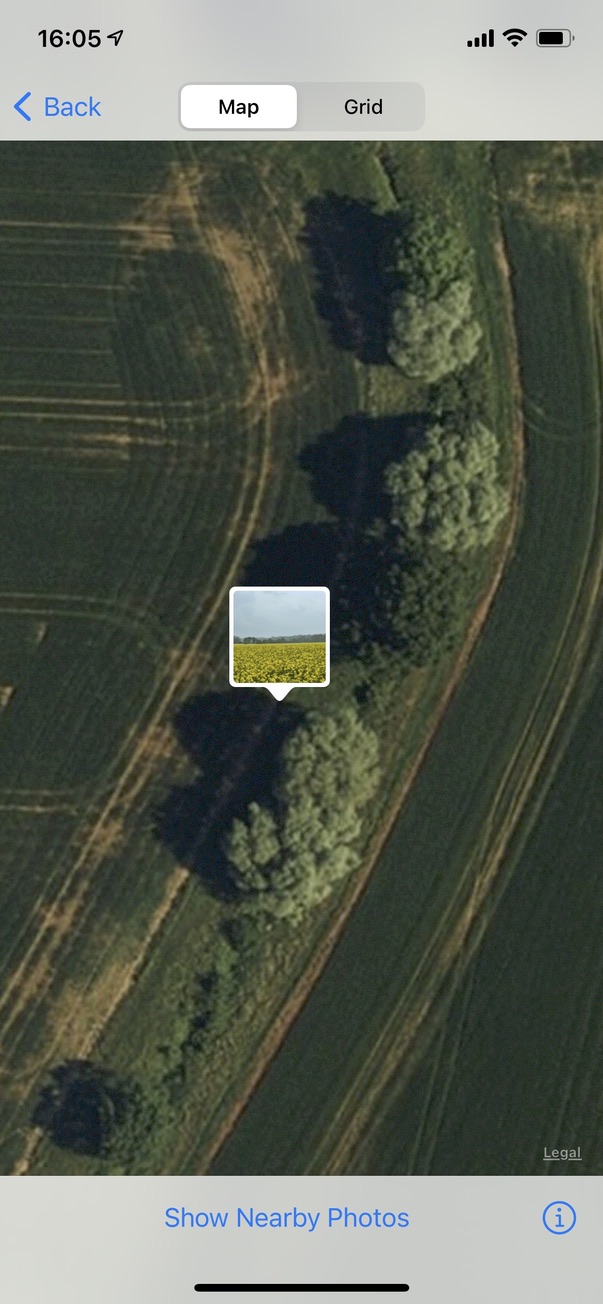
By tapping random blurry things, I managed to get into satellite view, and that was much better:

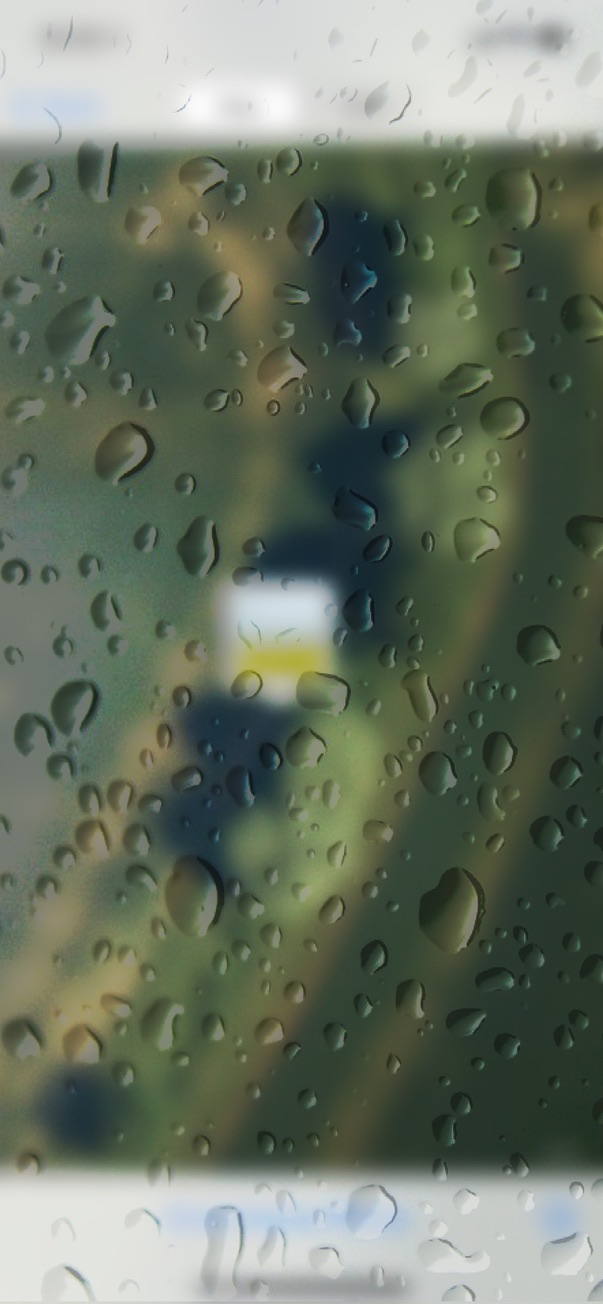
However, you have to remember that, at the time, it looked more like this:

And there are quite a lot of bends in the path with big trees beside them.

The Photos app doesn't show your current location, only the location of the photo. I switched into Google maps, where I could see the moving blue dot, but the trees and crops looked completely different; the photo had been taken at a different time of year, several years before. Not much help.

But Apple Maps, of course, used the same satellite imagery as Apple Photos, and I was able to switch to and fro between the apps as I walked, until the blurry image with a blue dot seemed perfectly aligned with the blurry image with a yellow square.

I looked down, and there, nestled in a tuft of long grass, were my glasses. I had passed them three times that afternoon since dropping them, as had Tilly, who can track a pheasant at a considerable distance, but takes little notice of her master's most valuable possessions right under her nose.

"At last!", said she. "Come on! It's dinner time." And we scampered off towards the car.

AirTags for Airheads?

Well, somewhat to my surprise, I found an Apple AirTag to be remarkably useful today! (I bought them because, well, I just like gadgets and these are beautifully-engineered gadgets, but I wasn't sure how much I'd actually use them.)

This wasn't anything dramatic: no long-lost pets being recovered from the other side of the county or anything like that. No, we were going out, and I wanted to find my keys. It turned out that, last night, I had used them to unlock the side door before putting some things in the recycling bin, and, perhaps because I had my hands full and my mind elsewhere, had left the keys on the shelf beside the door: not somewhere they would ever normally live. Then a plastic bag had been put in front of them, and they were hidden from view.

So it was no big deal; we would have found them again in a day or two, but the ability to track them down to roughly the right room and make them beep meant that we were out of the door a minute later, with no worries lurking in the back of my mind. It won't take many such absent-minded moments on my part — and these are distressingly and increasingly frequent! — to make the tags well worth the money.

Windowizer continued

I've had lots of fun comments about The Windowizer. People asked things like:

  • I like the Mac version - do you make one for Windows?
  • Where's the Mute button?
  • Does it cut you off after 40 mins if you haven't paid? and so on.

Amidst these customer support questions, I've been working on a conference-call version to help you communicate with groups of other people, but if there are more than about three or four participants, it becomes a lot less portable, because they also need some scaffolding to appear in the correct layout. Work needed there.

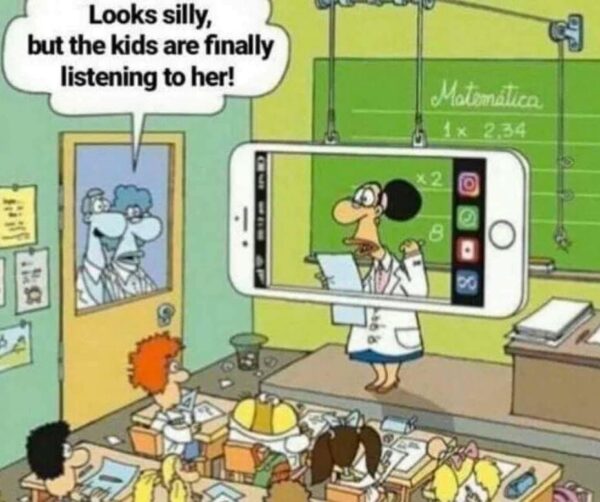
My friend Shaw also sent me this cartoon:

A think the spirit of Heath Robinson is still alive...

The search for warmth

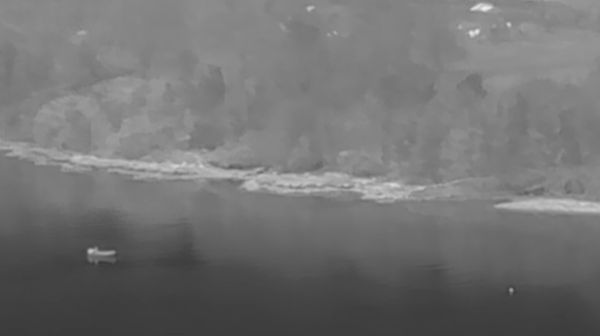
Here's a nice story on the BBC. I had never really thought about the value of drones for search and rescue, but on the River Foyle they have one equipped with a thermal camera, which can really help find people in the river, especially at night.

Looking down from on high

Yesterday evening, I got a toy that many of my friends and family were surprised that a gadget enthusiast like me hadn't been seduced by many years ago!

And today, I took it for a walk. I'm very pleased to discover that Tilly doesn't seem at all fazed by the drone, only by the fact that I'm not paying enough attention to her.

It's a tribute to how good the technology is, that a complete amateur like me can produce a pretty video on the first day. Having the sunshine and a light dusting of snow helped a lot too, though!

Fireworks of the Future

I missed this at the time, but there was a lovely presentation put together for the Hogmanay New Year's Celebrations in Edinburgh, using a swarm of drones carrying lights.

A short summary video is here:

but it is really worth watching the full presentation, which you can find here, with music and narration.

You don't want to think too much about the fact that the effect was really only visible from one location, or that they weren't allowed actually to film the Edinburgh scenes over the city so they had to do it in a remote bit of the Highlands and overlay it on images of the Edinburgh skyline... It's still a lovely combination of software, hardware and poetry.

P.S. It turns out that there have been quite a few of these type of displays in recent months, if you search YouTube for 'drone light show'. But most of them aren't narrated by David Tennant :-)