Il Codice Blackstone
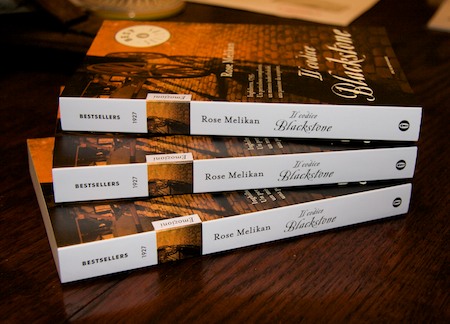
Very chuffed that copies of the Italian translation of The Blackstone Key arrived today.
Quentin Stafford-Fraser's blog
One should always have something sensational to read on the net...
Very chuffed that copies of the Italian translation of The Blackstone Key arrived today.
A key benefit of the new iPhone/iPod software release is the OS's ability to handle the CalDAV protocol natively. Translated into something approaching normal English, this means that you can view and create entries in your Google calendars using the iPhone calendar app. (In the past you could view them if they were synced from your Mac, but not update them on the hoof).
I've written before about why this is important and how to use CalDAV on your Mac. How do you do it on the iPhone?If you have one Google calendar, it's pretty straightforward. You go to Settings > Mail,Contacts,Calendars > Add Account... and then click the 'Other' link. Near the bottom you'll see 'Add CalDAV account', which will take you here:
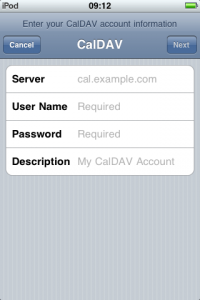
You can just enter 'www.google.com' as the server, and your Google username and password. You should get a little message at the top of the screen saying that your account is verified, and that's it. Your Google calendar should now be one of the ones available in the Calendar app!
OK, that was the easy bit, and for most people, the only bit. But Status-Q readers are not 'most people'. Oh no.
So, suppose you have a shared calendar? A company or family one, perhaps?
This is a bit more complex, but not much. This calendar will have a CalDAV URL which might look more like this:
https://www.google.com/calendar/dav/vqqbsgcpabpgjvgpajk9ea16c1@group.
calendar.google.com/user
and you need to get that into the settings on your iPhone.
But how do you find this URL? If you're already using CalDAV in iCal on a Mac, it's pretty straightforward - you can go to iCal Preferences > Accounts and look under the Server Settings tab for the Account URL.
If not, then go to Google calendars on the web, and find the calendar settings for the calendar you want. (You can get to the settings from the 'My calendars' box on the left - see the little pull-down menu beside the calendar's name.) Near the bottom of the Calendar Details page in the Calendar Address section, you'll see the calendar ID listed.
(Calendar ID: vqqbsgcpabpgjvgpajk9ea16c1@group.calendar.google.com)
Astute readers will have realised that this is the core of the URL that you need. Just put
https://www.google.com/calendar/dav/
before it and
/user
after it to get the URL you need.
OK, so you've got a long URL that you really don't want to have to type into your iPhone. But you've now got cut and paste on the phone. So you can email it to yourself, and copy it.
Now go and add another CalDAV account on the phone as before. This time, when entering the Server address, paste this long URL. You won't see it - the screen reverts to www.google.com, but it will have taken it in, and you can enter your login details as normal. Later you can check the URL by going back to the account and clicking the Advanced Settings page, but this shortcut worked for me.
And now you should have both your main Google calendar and your shared calendars available and editable from your phone or iPod, and you can switch off that pesky old Exchange server :-)
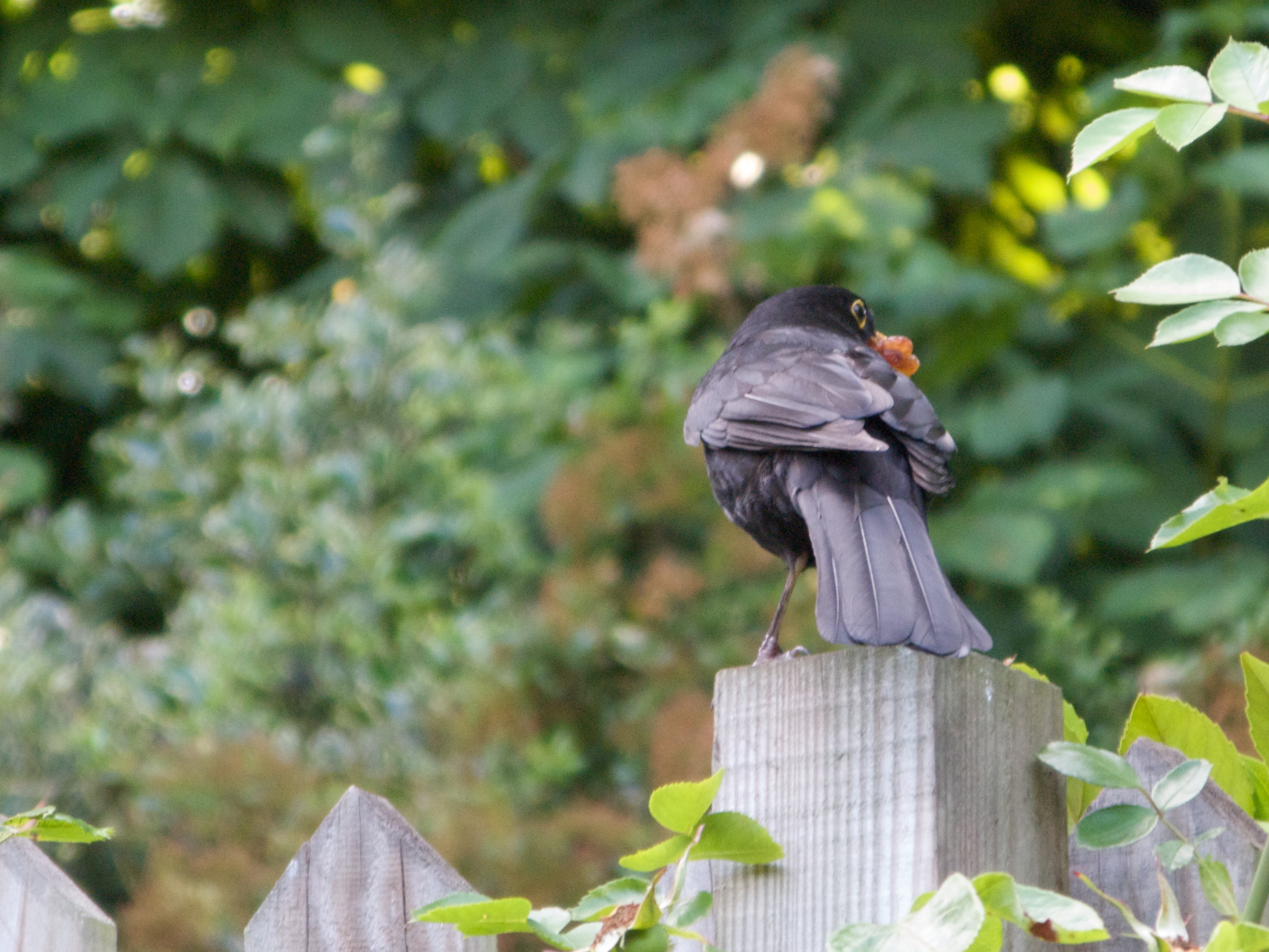
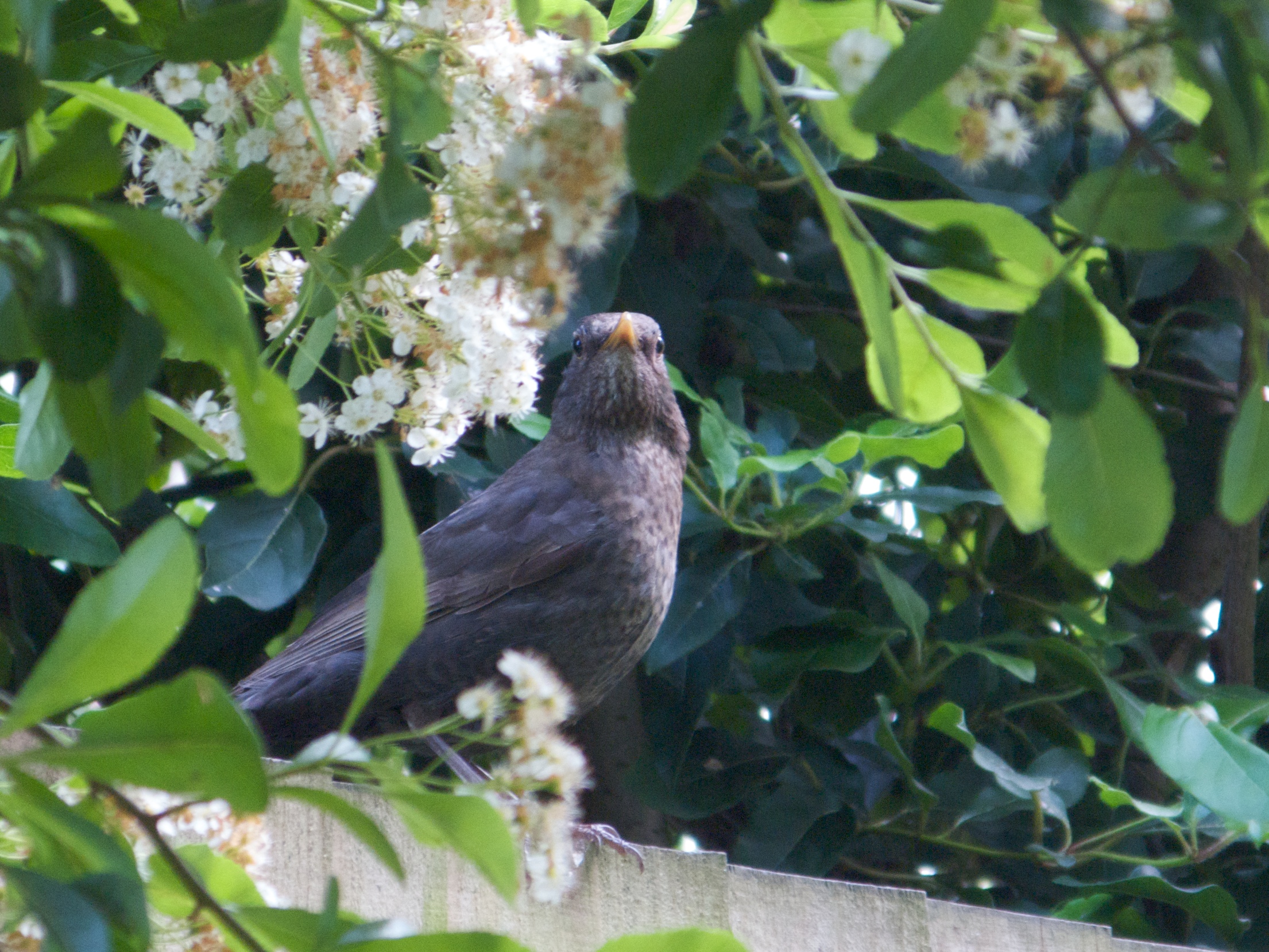
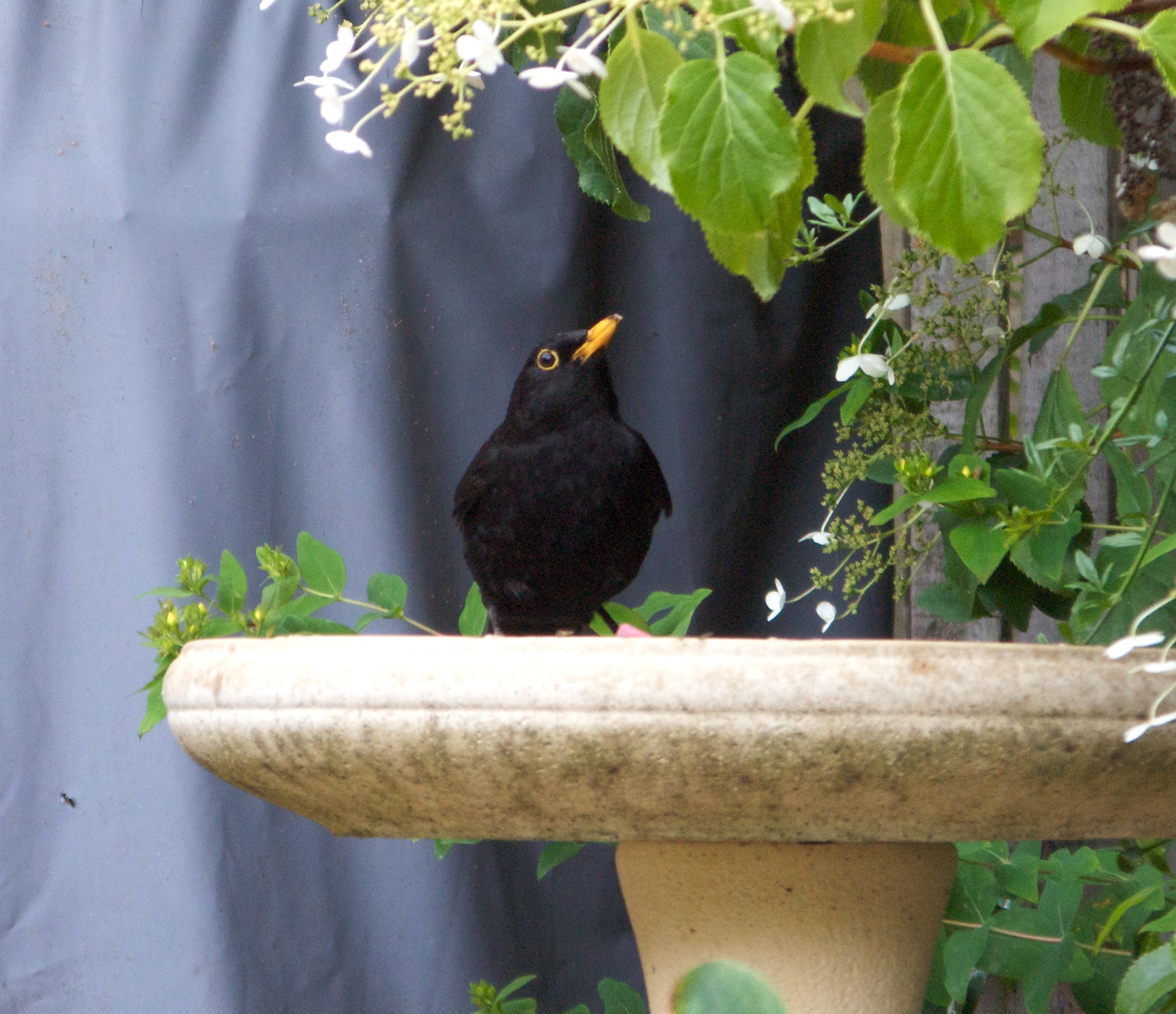
Mr & Mrs Blackie, as we’ve christened them, have been busy and have produced a second nestful of squeaking chicks in the clematis outside our kitchen window, a gang who obviously need constant feeding.
Having a strange man land in the garden in a deck chair this afternoon didn’t stop them, but they kept a close eye on me as they went about their duties.
Now here's an aircraft I hadn't come across before: the Coléoptère.

It was a French VTOL plane designed in the late '50s.
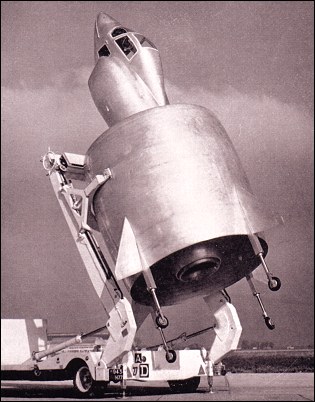
It made a few test flights, but crashed on one of them... it never went into production. [Clicking on the pictures will take you to more info.]
Thanks to Yann Le Cun, whose blog linked me to this diagram, which made me curious to find out more...Need to get an important message to somebody promptly and efficiently? Don't feel that Twitter's 140 characters will quite convey the right impression?
Never fear! The Bureau of Communication has the solution.
Very nicely done.
Hadn't seen this one before. Rowan Atkinson is just superb.
I know that quite a few of you have been good enough to purchase Rose's novels, but we'd also heard that people were waiting a long time for their deliveries from Amazon.
We contacted the publisher, who hadn't had an order. They chased Amazon, who found that a glitch in their system meant the order had never been placed. Meanwhile Amazon was apologising to people for the delays caused by the publisher...
Anyway, it's all being sorted out and we hope things should start moving again soon. Thanks for your patience!
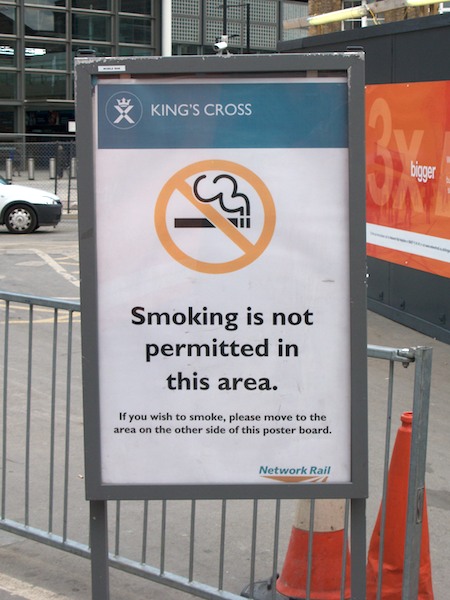
Or so this notice, in the open air outside King's Cross, would have you believe...
[ Now, how many of you saw the title and thought it was something to do with another recent post? ]
Thought for the day:
I wish I had patented the concept of a postcode. Or had shares in a company that had.
In the last few years, the postcode has gone from being the least useful part of an address (for anyone except the post office) to the most useful. It's pleasing, in a way, that something designed to aid postal delivery was more of a chore than a benefit for the average person posting a letter, but then became incredibly useful in the age of SatNav and Google Maps!