Posts from November 2008

Prevention is better than cure

Saint PancrasRose and I are off to Paris for a short break in a few weeks' time, an easier trip these days since the Eurostar train now departs from St Pancras station.

And this led me to wonder who this Pancras chap actually was? Well, the story goes that he was beheaded by the Romans at the age of 14 for refusing to make a sacrifice to the Roman gods. Pictures like this one show a rather mature 14-year-old, I think, and the story has been embellished over the centuries, with later versions having him thrown to the wild beasts in the arena. But none the less, he lost his head, and various other bits of him are supposed, eventually, to have made their way to England, which is why we have various things named after him, like a railway... errm... terminal.

I was amused by the line in the Wikipedia article that said:

Pancras is normally invoked against cramp, false witness, headache, and perjury.

Why cramp, I wonder?

That he found a cure for headaches, though, that I can believe.

Apple offering downgrades (thanks to DRM)

Fred von Lohmann of the EFF:

Once again, thanks to DRM, a new product ends up less useful than the one it replaces. This time, it's the new family of Apple Macbook laptop computers that gets the downgrade. When it launched the new Macbooks, Apple announced that they would sport a new digital video output connector, known as Mini DisplayPort. What Apple failed to mention, however, is that those connectors allow movies studios to force the computer to authenticate any external monitor before allowing playback of programs purchased or rented from the iTunes Store (Microsoft's Windows Vista does something similar). In other words, the HDTV monitor or projector that worked for you yesterday, won't work with your new computer tomorrow if Hollywood has embedded a flag in the iTunes content you paid for. This is a remarkably short-sighted move for both Apple and Hollywood. This punishes existing iTunes customers: several have reported that iTunes purchases that played on external monitors on their old Macbooks no longer will play on their new Macbooks. In other words, thanks to the Macbook "upgrade," Apple just "downgraded" everyone's previous investment in iTunes content (if we've told you once, we've told you a dozen times -- when you buy DRMd content, the vendor can snatch your investment from you at any time).
Full post here.

Render a bit less unto Caesar

Our dear chancellor has decided to reduce VAT from 17.5% to 15%. This means that every business in the land has to reconfigure their billing systems, check the dates of their invoices rather carefully, and (in many cases) reprint lots of documentation to change their advertised prices.

In exchange, they'll will benefit from the wild shopping spree that can be expected when things costing £99 drop to a bargain £97! The queues of people in sleeping bags outside the department stores, waiting for opening time on Monday morning, will make all the changes worthwhile, and no doubt we will still be rejoicing in a year's time, when we have to change everything back again.

Actually, that's probably when the shopping crowds will turn out: the day before the prices go back up again, 13 months from now, in the post-Christmas sales at the end of 2009. I'm not convinced that's when it'll be most needed! In the meantime, the lost taxes will supposedly come to something like £12.5bn. Just the thing for a country plunging into debt. I rather suspect this is all really just a ploy to find useful consulting work for all those newly-redundant bank staff.

Still, I'm certainly no expert, and perhaps it'll all work out in ways I don't quite grasp. It does seem like a lot of bother to me, though.

We just need to make sure we don't come up with any other schemes for throwing money away, like, say, hosting the Olympics. Now that would be really silly.

Geotagging on Flickr

A quick hint: If you tag your photos with their GPS location (in the EXIF data), Flickr can put them on a map for you.

But it doesn't do it automatically.

You need to enable it using the option on this page: http://www.flickr.com/account/geo/exif/

Even then, it only does it for photos you upload from that point forward. I haven't found a way yet to get it to make use of the lat and long I've been including in most of my photos for the last few months.

Still, this is a good start. I've re-uploaded my last batch and you can see the map here.

Many thanks to Chet. Update: Here's a script that can use the EXIF data restrospectively. Fabulous! Many thanks to Sam Judson!

Chitty Chitty Bang Bang 2008

Thanks to Claes-Fredrik for pointing me at another toy I can't afford! This is supposedly the world's first viable flying car - well, flying buggy, really - but they're planning to 'drive' it from London to Timbuktu to prove it works.
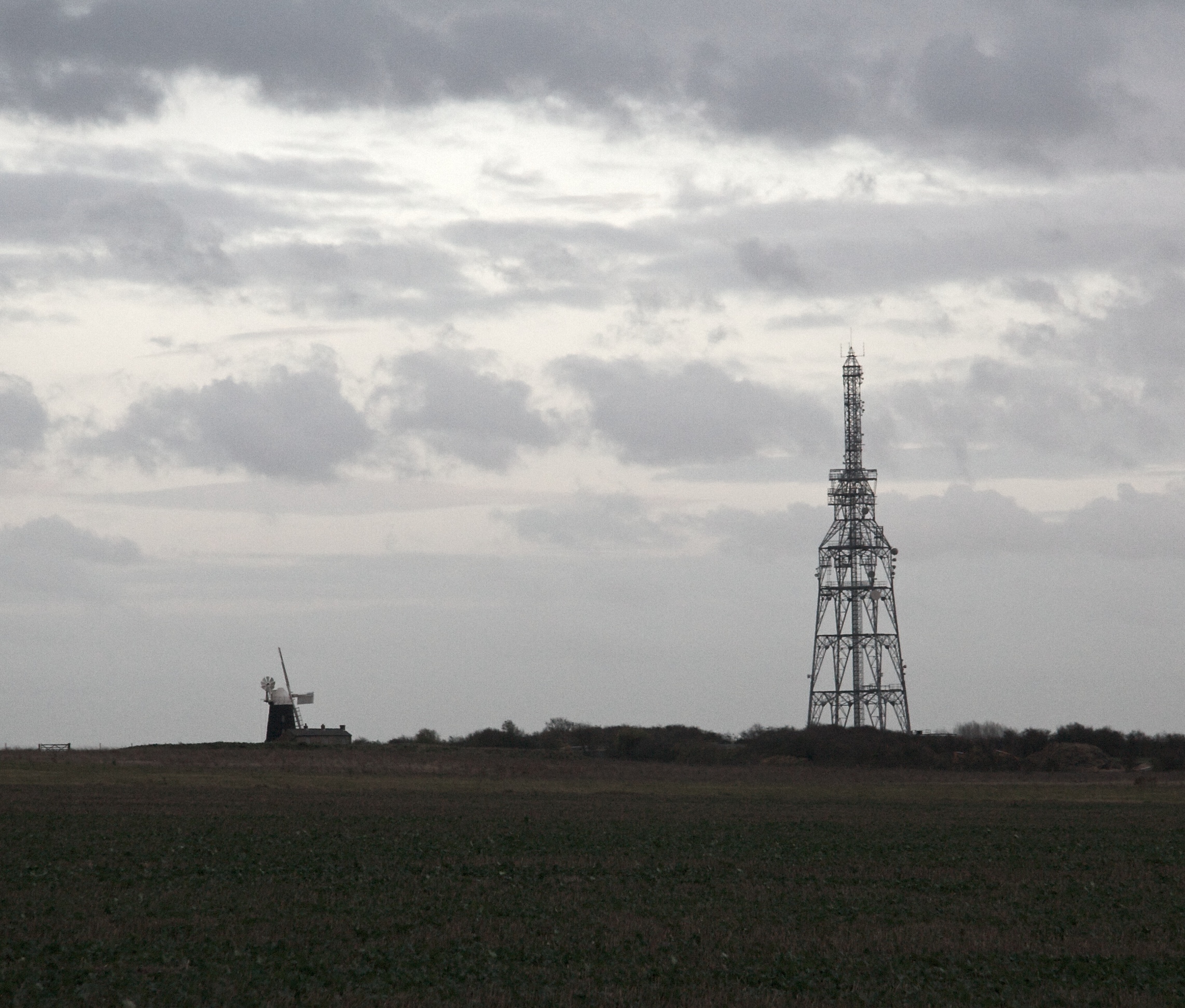
More information in this Times article, and more pictures on the expedition's website.

Now, it seems to me that, as an expeditionary vehicle, this isn't quite complete until you put some floats on the side and make it amphibious. That must be the ultimate - when you combine it with one of these. Then I might have to remortgage the house...

Focus on the time

A hint for photographers...

One of the things that encouraged me to switch to digital photography in the early days was the simple fact that all my photos were time-stamped. Now I can always sort images into the order in which they were taken - often the easiest way to find something - but I also have a rough chronological record of my life which can sometimes be very useful. If I want to remember when I was last in Paris, for example, I'll almost certainly go and browse my photos to find out.

Usually, the timestamp doesn't need to be very exact. I always have the camera set to GMT, wherever I am - changing timezones is too much trouble - but a few minutes of clock drift is not important. Recently, however, I've been geotagging my photos - a big post coming about that sometime soon - and precise timing can then be much more useful.

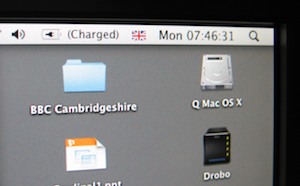
So if I'm about to upload photos from a camera on which I haven't recently set the time, I'll sometimes take a photo of the clock on my screen. This is synchronised with Apple's NTP servers and so is one of the most accurate clocks in the house, and will be nicely in sync with the timestamps on my GPS receiver. Once the batch of photos is uploaded, I can use the difference between the camera's timestamp and the time shown in the image to fix the timestamps on all the photos in the batch.

What's more, once I've done the batch adjustment, I can refer back to the new timestamp on this image to make sure that it matches what's on the screen and so confirm that I didn't make a mistake.

Regularly setting the time on the camera is even better, but this is a fix for when you take the photos before remembering it!